DTG Ink Compatibility: How to Select Ink for Your Garment Printer
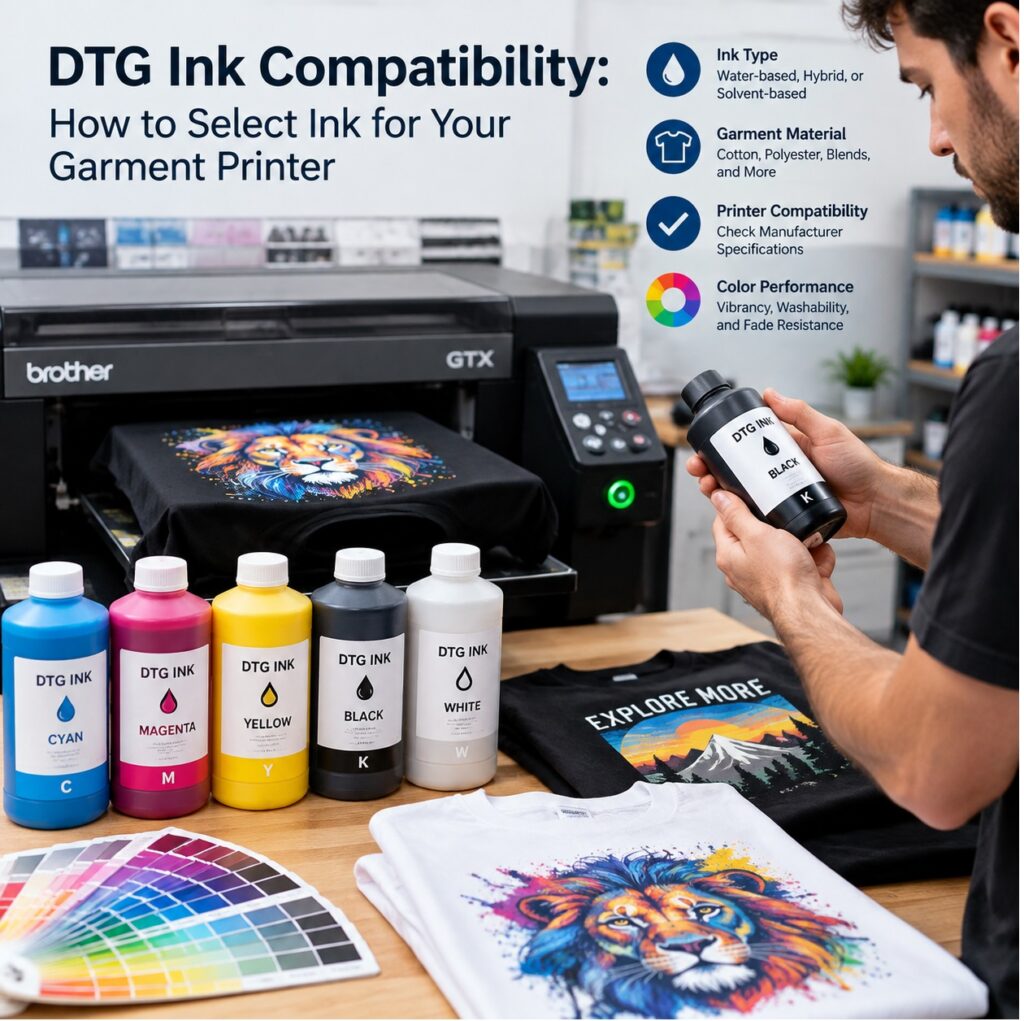 Your DTG printer will happily drink ink that destroys your reputation—and it won’t apologize.
I’ve watched too many garment decorators treat ink like a commodity. They compare price per liter, pick the cheapest bottle with a matching label, and then wonder why white clogs, colors drift, and customers return shirts that crack after two washes. The printer is not the problem. The ink compatibility chain is.
DTG ink is mostly water, pigment, humectants, surfactants, and a few other ingredients that keep pigment suspended and moving through a piezo printhead. Change one ingredient and you change how the ink behaves. Viscosity, surface tension, particle size, pH, and pigment load all affect whether the printhead fires cleanly, whether white ink stays dispersed, and whether the final print survives real life.
Start with the printhead. Epson Micro Piezo heads are common in DTG machines, but not all piezo heads are the same. A DX5, DX7, i3200, or Ricoh head has different channel dimensions, voltage requirements, and waveform settings. Ink designed for one head may shear, foam, or dry too fast in another. If a supplier cannot tell you which printheads their ink is engineered for, that is not a supplier. That is a gamble.
Next, look at the ink delivery system. Cartridges, bulk tanks, dampers, ink lines, capping stations, and wipers all touch the ink. Some inks are formulated for recirculating white systems; others settle like sediment in a bottle of orange juice. If your printer has a white ink circulation pump, you need an ink that is stable under constant movement. If it does not, you need a maintenance routine that is almost religious.
Fabric chemistry matters just as much. DTG ink is water-based pigment. It bonds best to cotton, and it needs pretreatment to prepare the surface. A 100% cotton tee behaves differently from a 50/50 blend or a tri-blend. The pretreatment chemistry, the amount applied, the drying method, and the ink’s chemistry have to work as a team. If you switch ink brands but keep the same pretreatment recipe, you may get dull colors, poor wash fastness, or a hand feel like sandpaper.
Curing is another compatibility point. Pigment ink needs heat and time to set. Under-cure it and it washes out. Over-cure it and the print cracks or yellows. The right ink will have a recommended curing window, but that window only works if your heat press or conveyor dryer is actually hitting the temperature. A twenty-dollar infrared thermometer is cheaper than a ruined order.
Then there is the digital side. ICC profiles are not universal. An ink set from one manufacturer will not produce accurate color with a profile built for another. If your supplier offers free profiles for popular printers and RIP software, that is worth real money. If they tell you to just tweak the settings, run.
OEM ink versus third-party ink is a debate that never dies. OEM ink gives you a known baseline, warranty comfort, and predictable results. Third-party ink can cut costs, but only when it is engineered for your exact printhead, delivery system, and workflow. The wrong third-party ink can void your warranty, clog your head, and cost more in downtime than you saved in a year. The right third-party ink can be a legitimate competitive advantage.
How do you choose? Ask for a compatibility chart. Not a vague one. A chart that lists printhead model, printer model, cartridge or bulk system, chip version, white ink circulation requirements, and recommended curing parameters. Ask for sample bottles and a test plan. Print color blocks, gradients, fine text, and white underbase. Wash the samples five, ten, twenty times. Stretch them. Rub them. Leave them in a hot car. Compare color consistency across two batches.
Ask about shelf life and storage. Pigment inks can settle, freeze, or grow things if stored badly. Ask how long the ink lasts unopened and in the machine. Ask about batch-to-batch color drift and how they handle it. A good supplier will have a QC process and a lot number you can trace.
Run the numbers on cost per print, not cost per liter. Cheap ink that clogs once a month is expensive. Ink that needs three cleaning cycles before every job is expensive. Ink that produces rejects, returns, and bad reviews is expensive. Ink that runs clean, matches your profiles, and keeps customers coming back is cheap at almost any reasonable price.
Your DTG printer is a production tool. Ink is its blood. Choose ink that fits the machine, the fabric, the pretreatment, the curing, and the color workflow. Then test it like your business depends on it—because it does. If you are evaluating a new ink, start with a sample kit and a written compatibility guarantee. Your printhead will thank you. Your customers will notice. And your margin will stop leaking one clog at a time